
Calorie AI Calculator
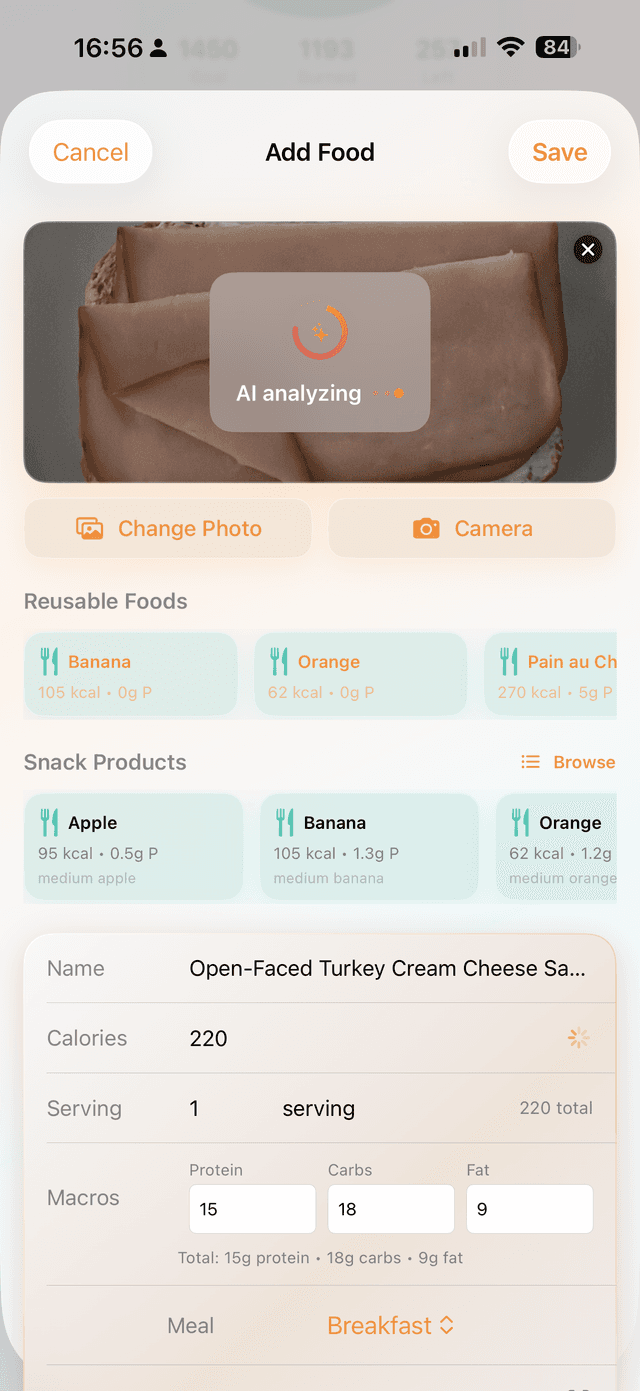
Take a meal photo, let AI recognize the food, estimate calories, and keep daily nutrition goals under control.
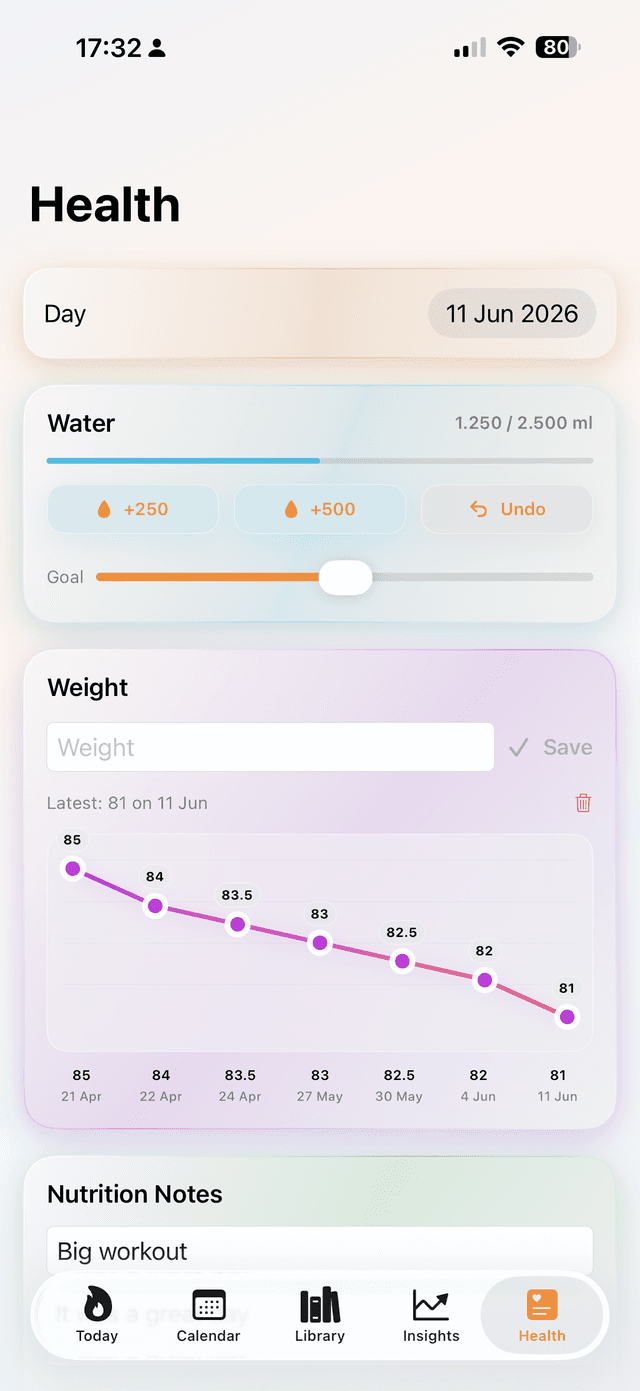
Available on iPhone and Android, the product combines meal recognition, AI-powered recipes, hydration tracking, and goal management into one calm health-focused workflow, with HealthKit and iCloud integration on iOS.
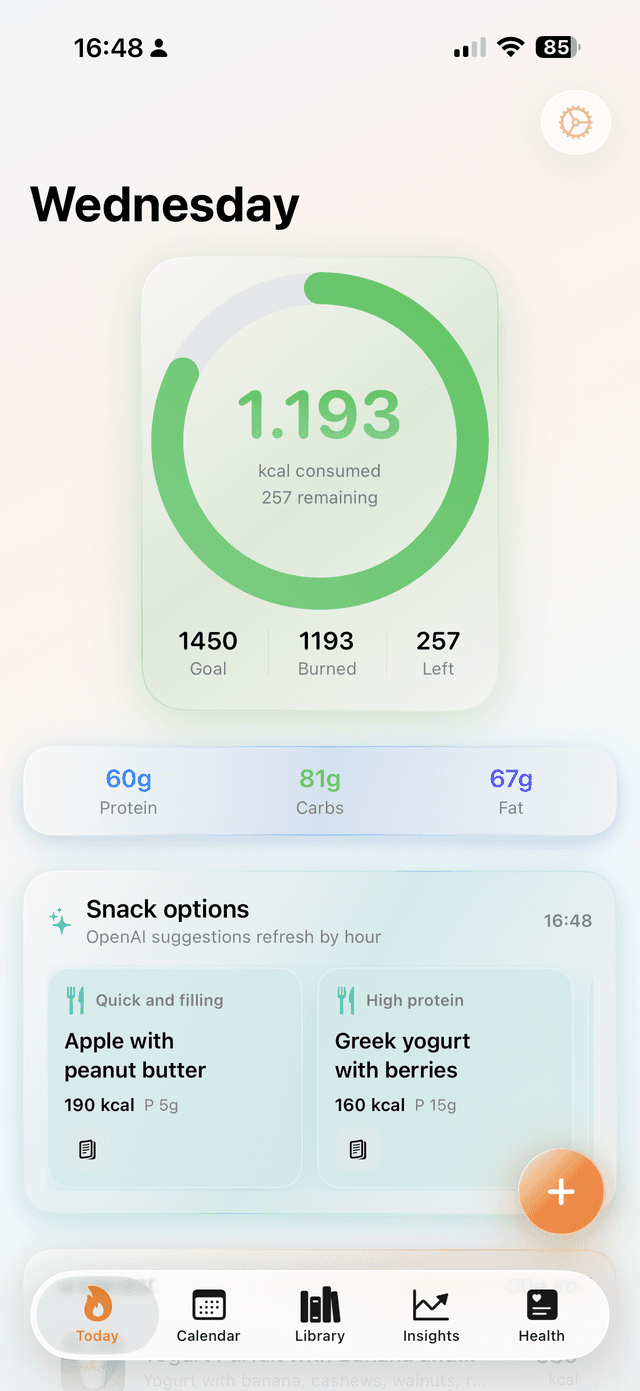
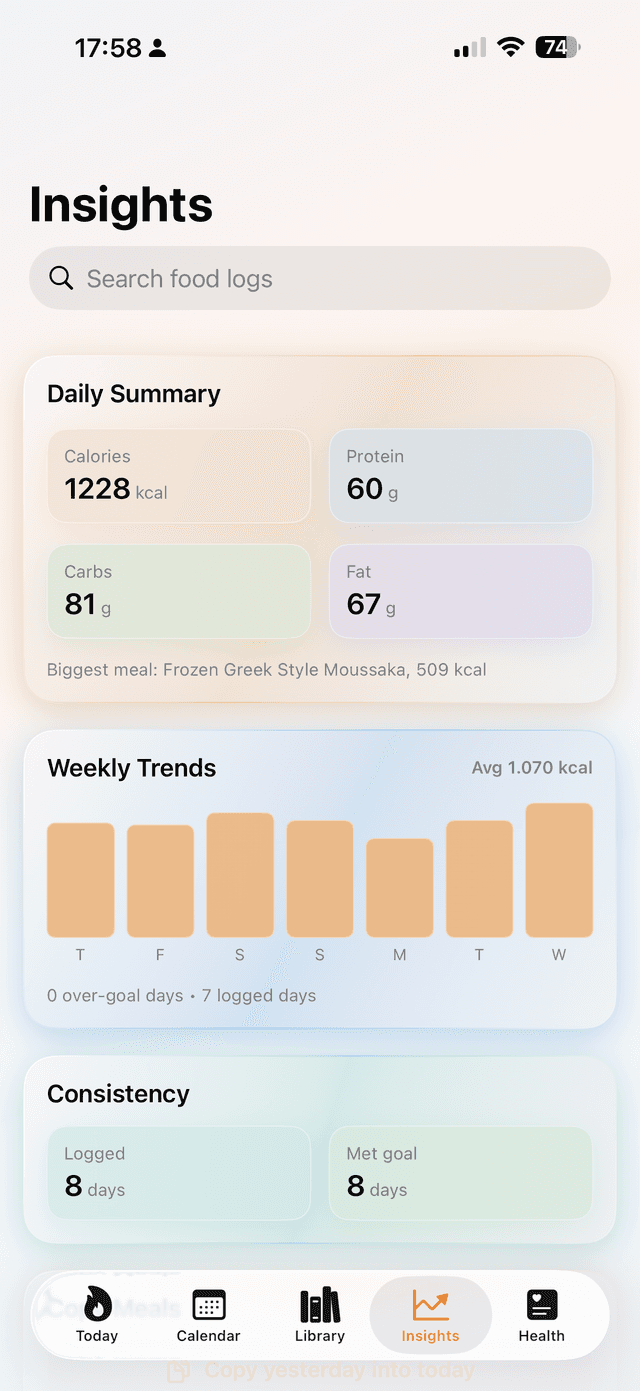
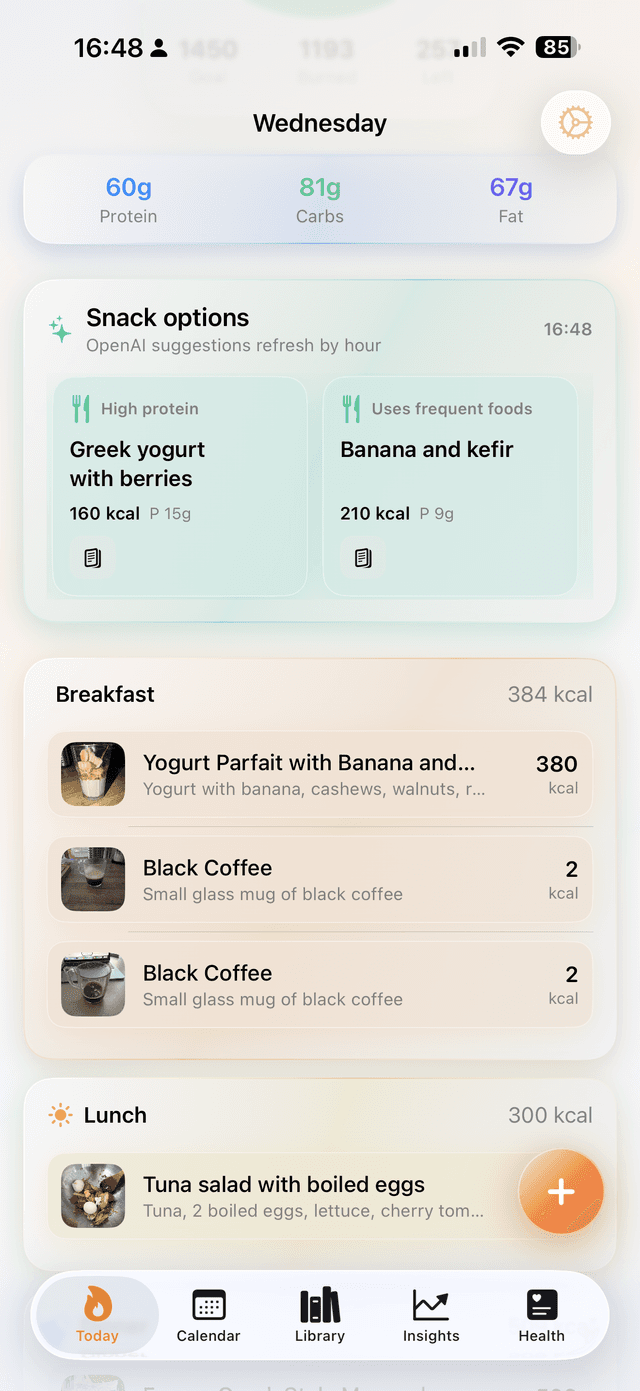
Built for the full daily nutrition loop
How the experience works
Why this pitch is strong
Most calorie trackers still assume users want to search databases meal by meal. This concept leads with the camera, which is the right interaction for messy real-world food.
The AI recipe angle extends the value beyond logging: users can also decide what to cook next based on goals, ingredients, or macro intent.
Shipping on both the App Store and Google Play keeps that workflow off a single ecosystem, while HealthKit and iCloud still make the iPhone version feel native rather than like an isolated nutrition tool.
Questions users will ask
What makes this different from a manual calorie tracker?
The main workflow starts from the camera instead of a search field. That removes friction for real meals, especially when portion sizes or mixed dishes are hard to log manually.
Is it only for calories?
No. The concept combines calorie tracking with hydration, AI recipe help, goal management, and ecosystem sync so the app covers the daily loop instead of one narrow task.
Does it work on both iPhone and Android?
Yes. The app ships on the App Store and Google Play, so photo recognition, AI recipes, hydration, and goal tracking work on either platform. The deeper Apple integrations, HealthKit and iCloud sync, are iOS-only.